
What is Google Search Console? A Complete Beginner's Guide |
|
|
📚 Table of Contents
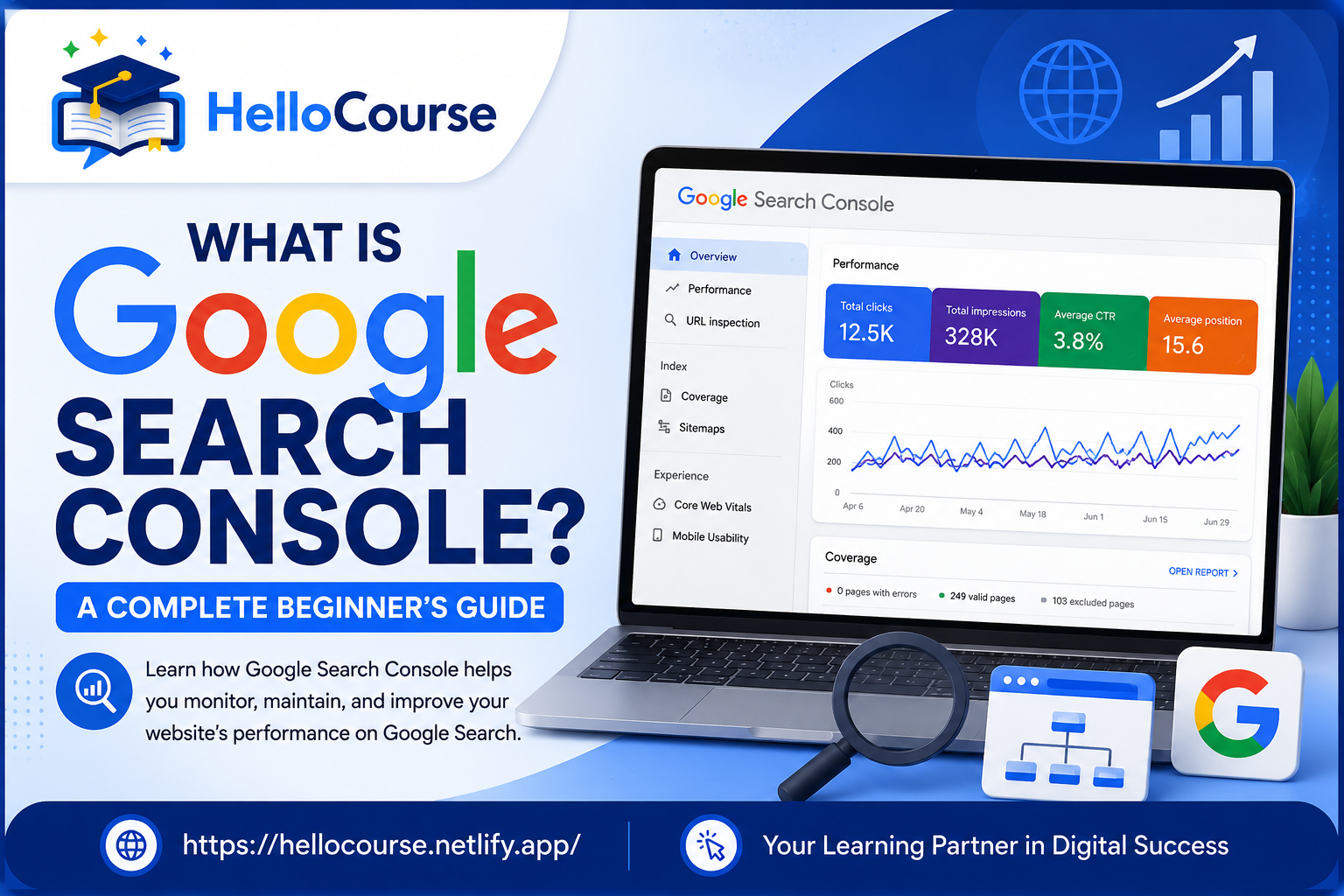
What is Google Search Console?Google Search Console (GSC) is a free tool provided by Google that helps website owners monitor, maintain, and improve their website's presence in Google Search results. With Google Search Console, you can see how your website performs in Google Search, identify indexing problems, submit sitemaps, inspect URLs, and fix SEO issues. Whether you are a beginner blogger, website owner, SEO expert, or digital marketer, Google Search Console is one of the most important SEO tools available.
Example:
If your website pages are not appearing on Google, Google Search Console helps you find the reason.
Why is Google Search Console Important?Google Search Console provides valuable information about how Google sees your website.
Without Google Search Console, it becomes difficult to know whether Google has indexed your pages correctly or if there are technical SEO problems affecting your rankings. Main Features of Google Search ConsolePerformance ReportShows clicks, impressions, CTR, and average position of your website in Google Search. URL InspectionCheck whether a page is indexed and request indexing after publishing new content. Indexing ReportDisplays indexed pages, excluded pages, crawl issues, and indexing errors. Sitemap SubmissionSubmit your XML sitemap so Google can discover your pages more efficiently. Core Web VitalsMonitor page speed and user experience based on Google's Core Web Vitals metrics. Security IssuesReceive alerts if Google detects malware, hacked content, or security problems. How Does Google Search Console Work?Google Search Console collects data directly from Google Search and provides reports about your website's search performance. 1Google Crawls Your Website 2Pages Are Indexed 3Search Data Is Collected 4Reports Are Displayed Inside GSC How to Add a Website in Google Search Console
Tip: Domain Property is recommended because it tracks all versions of your website.
How to Verify Website OwnershipGoogle requires verification before showing website data. Popular verification methods include:
How to Submit XML SitemapSubmitting a sitemap helps Google discover your pages quickly.
Example Sitemap:
https://yourwebsite.com/sitemap.xml URL Inspection ToolThe URL Inspection Tool helps you check whether a specific page is indexed by Google. It also shows the last crawl date, indexing status, mobile usability, and whether the page can appear in Google Search.
Example: After publishing a new blog, paste the URL into the URL Inspection Tool and click Request Indexing.
Performance ReportThe Performance Report is one of the most useful features of Google Search Console. It shows how your website performs in Google Search. Total ClicksNumber of visitors who clicked your website. ImpressionsHow many times your pages appeared on Google. CTRClick Through Rate shows how often users click your page. Average PositionYour average ranking position on Google. Index Coverage ReportThe Index Coverage Report tells you which pages are indexed and which pages have problems.
Core Web VitalsCore Web Vitals measure your website's loading speed, responsiveness, and visual stability.
✔ Largest Contentful Paint (LCP)
✔ Interaction to Next Paint (INP) ✔ Cumulative Layout Shift (CLS) Improving these metrics provides a better user experience and supports your SEO efforts. Common Google Search Console Errors
Best Practices
Benefits of Google Search Console
✔ Free SEO Tool
✔ Better Google Rankings ✔ Faster Indexing ✔ Find Website Errors ✔ Monitor Organic Traffic ✔ Improve Website Performance ✔ Detect Security Problems ✔ Improve User Experience ConclusionGoogle Search Console is an essential SEO tool for every website owner. It helps you monitor your website's performance, discover indexing issues, submit sitemaps, improve Core Web Vitals, and understand how users find your website through Google Search. If you want to improve your website's SEO and grow organic traffic, learning Google Search Console should be one of your first priorities. Frequently Asked Questions
Google Search Console is a free SEO tool by Google that helps website owners monitor and improve their website's performance in Google Search.
Yes. Google Search Console is completely free for all website owners.
Submitting a sitemap helps Google discover and index your website pages faster.
Google Search Console does not directly improve rankings, but it helps you identify SEO issues that can improve your website's visibility.
Bloggers, website owners, SEO professionals, developers, and digital marketers should use Google Search Console to monitor website performance.
|
Comments (0)